
ÆLVIA LABS / Path of Exile 2
JD Stash
Know what your currency is worth. Value copied items, explore market prices and spot trading spreads in Path of Exile 2 — with an optional Windows price overlay.
Available now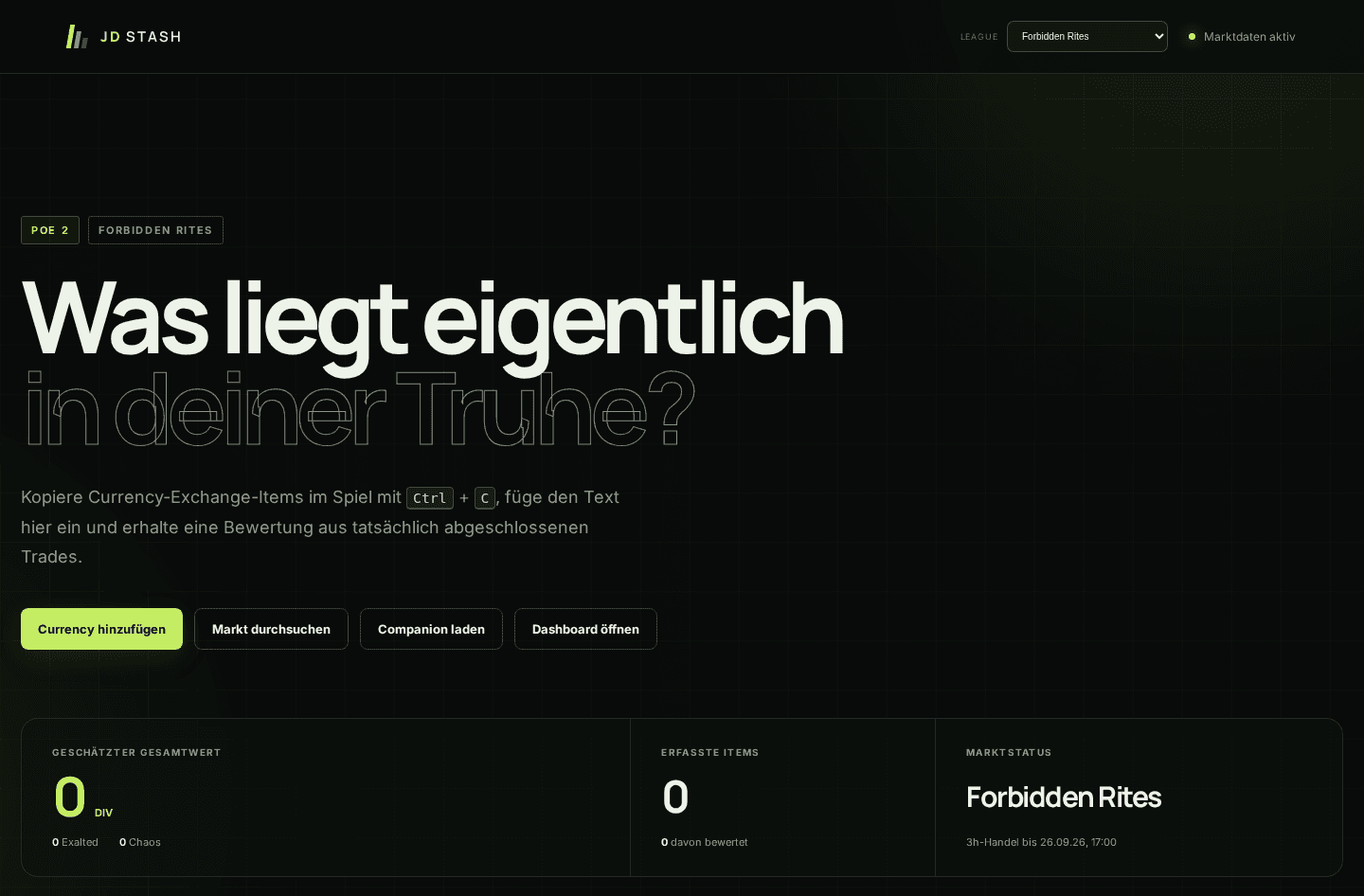
- Supported game
- Path of Exile 2
- Status
- Available now
- Access
- Web · Windows companion
- Access
- Available online
What it does.
Copy. Paste. Value.
Copy a supported Currency Exchange item in-game with Ctrl + C, then paste its text into JD Stash. Stack sizes are recognised and your list is valued using recent completed trades.
Explore the economy
Search and filter the market by item category and league. Compare prices in Divine, Chaos and Exalted, alongside trading volumes.
See potential trading spreads
The Currency Flip Scanner highlights price differences in completed trading pairs. These are historical signals, not current orders; gold costs are excluded and profits are not guaranteed.
An optional Windows companion
Manually copied Currency Exchange items can be collected locally and priced in a click-through overlay. Export the list to continue working with it in the browser.
Frequently asked questions
Does JD Stash value every item?
No. Valuation focuses on items supported by the Currency Exchange. It is not a general appraisal tool for every piece of equipment.
Do I need the Windows companion?
No. You can paste item text directly into the website. The companion is an optional Windows 10/11, 64-bit application available from the JD Stash website.
Are the prices guaranteed trade offers?
No. Prices are estimates based on completed trades and may differ from the current market. The website distinguishes direct prices from converted estimates.